 tofa
tofaYour movies and shows, on Apple TV.
Browse your own library, pick up where you left off, and watch with Tofa on the big screen.
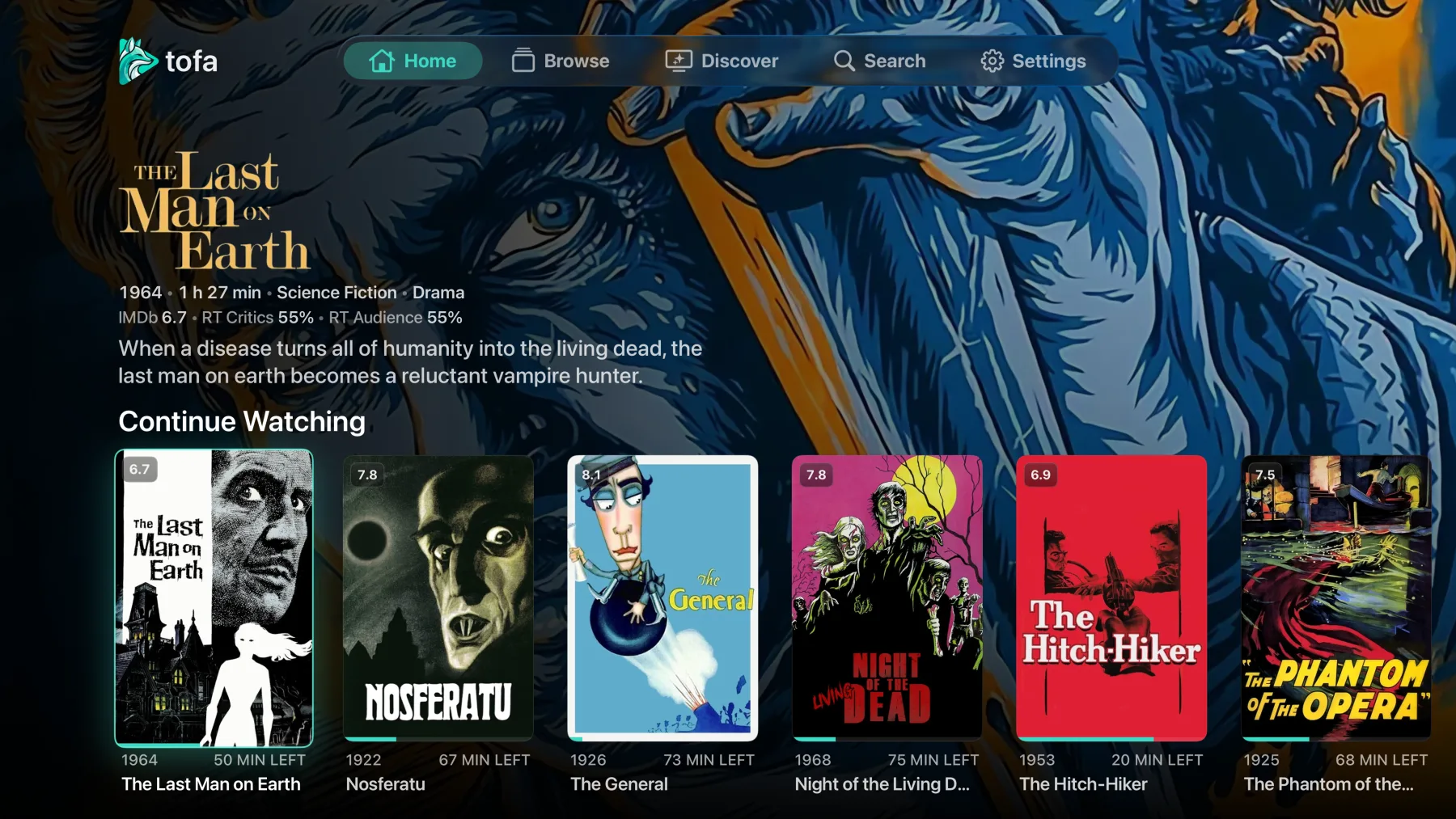
A library worth browsing
Movie artwork, episode details, and Continue Watching put your next watch within reach.
Make yourself comfortable
Choose your audio track and subtitles. Enjoy 4K and HDR on compatible equipment.
Pick up where you left off
Your watch progress follows you across your connected Tofa devices.
Start watching
Install Tofa from the Apple TV App Store, sign in, and choose your server. You can run Tofa alongside Plex or Jellyfin using the media folders you already have.
Bring your own library
Tofa apps connect to Tofa Server. Movies and shows come from your own files, or a library shared with you. Streaming and hardware transcoding are included in the free tier.
Common questions
Can I use Tofa with my Plex or Jellyfin server?
No. Tofa apps connect to Tofa Server. You can run it alongside your existing server and import watch history from Plex or Jellyfin.
Try it with your own library.
Create your beta account, verify your email, and connect your server.
Sign up for the beta →