 tofa
tofaReady to try
something new?
tofa is a self-hosted media server with its own apps for the living room, your phone, and the web. Your files stay on your hardware.
Now on the App Store and Google Play for Android TV. A tofa account is required.
Accounts are currently by invite. We'll email you when your spot opens. We never share your address.
Your library, on every screen.
Four channels. One library.
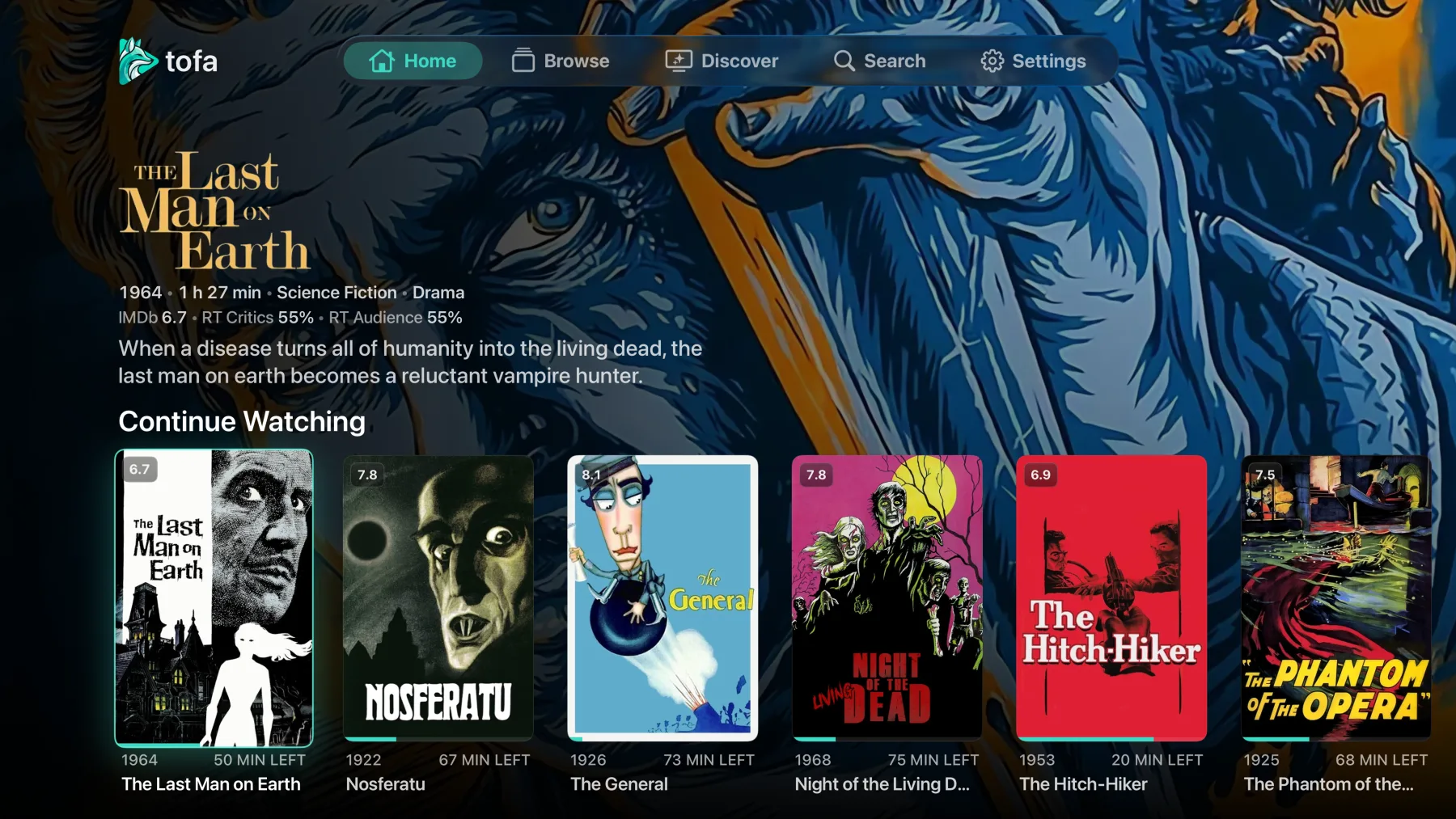 CH 01
CH 01
Apple TV beta shown. The titles are free, open-licensed demo content, not part of tofa.
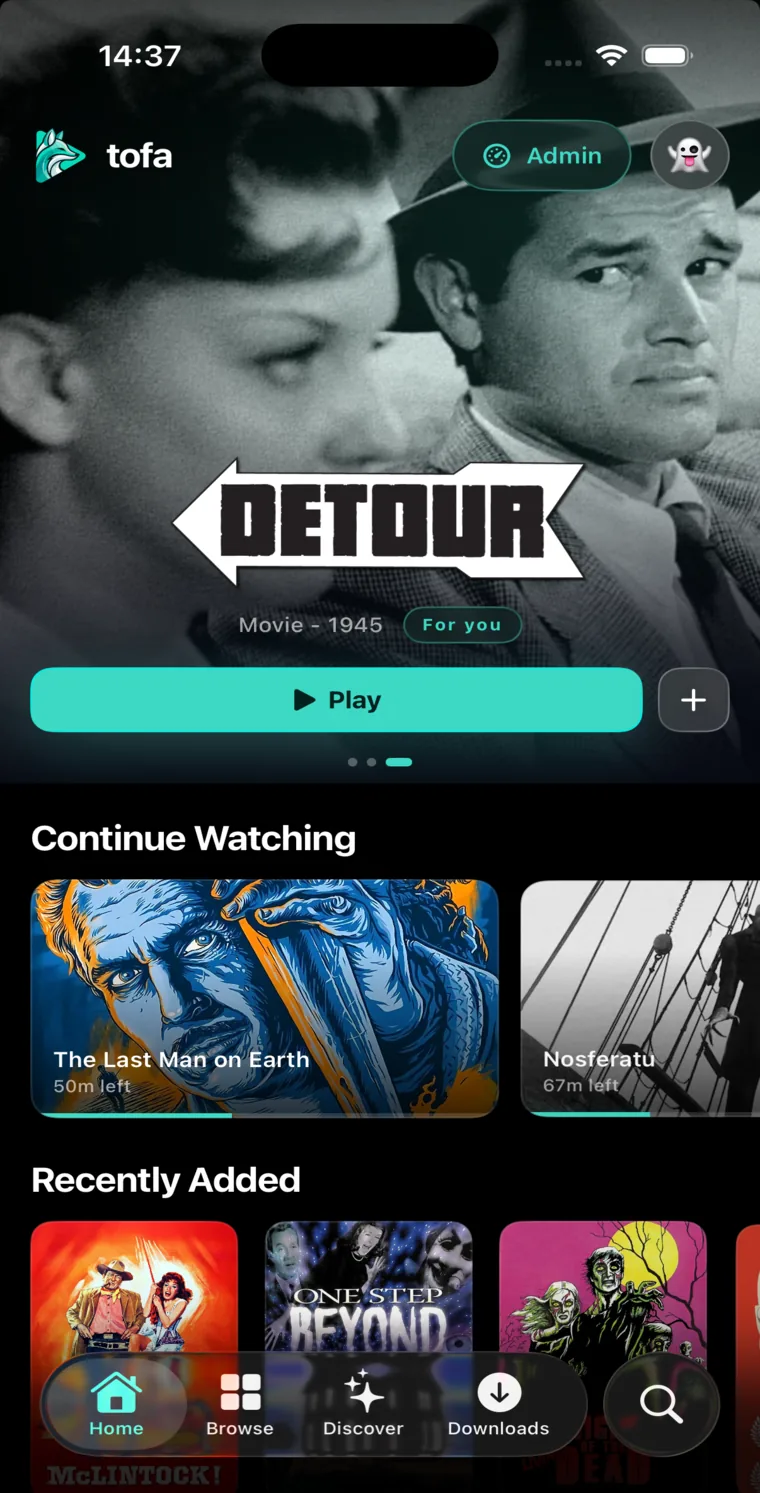
Native on iPhone and iPad
Take the same library with you.
Stream from your server, or download something before you leave. Available now on the App Store.
- Native playback
- Offline downloads
- Remote streaming included
See how your server is doing.
See who's watching, check storage and playback, and get an email when your server goes offline.
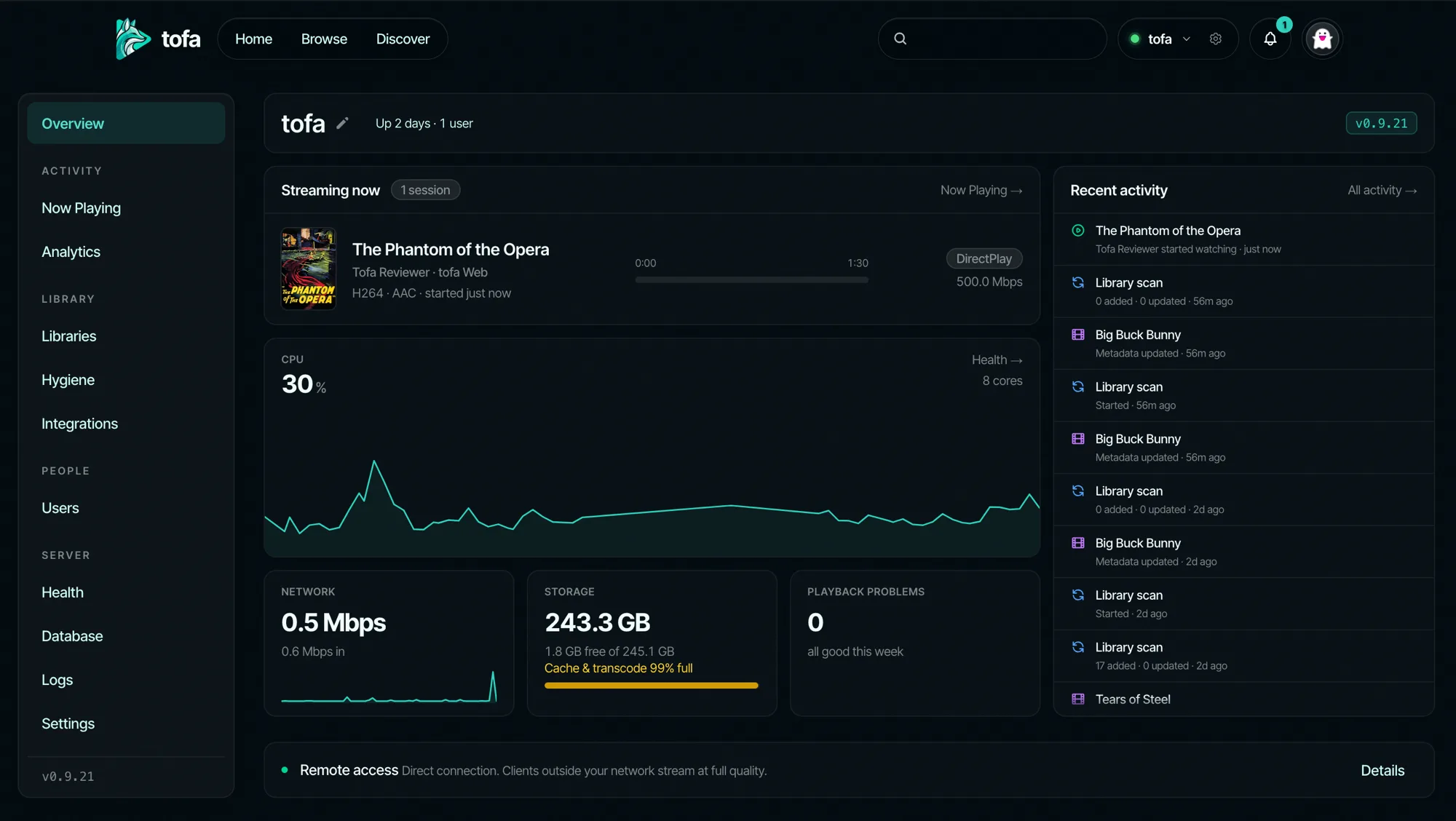
- Get server alertsA cloud watchdog emails you when your server drops, and again with the downtime once it recovers.
- See who's struggling, and whyLive now-playing shows each viewer's bandwidth, buffer, and dropped frames, and flags a slow transcoder as Server slow.
- Catch problems firstAn opt-in daily email rounds up the worst playback issues, and stays silent on a clean day.
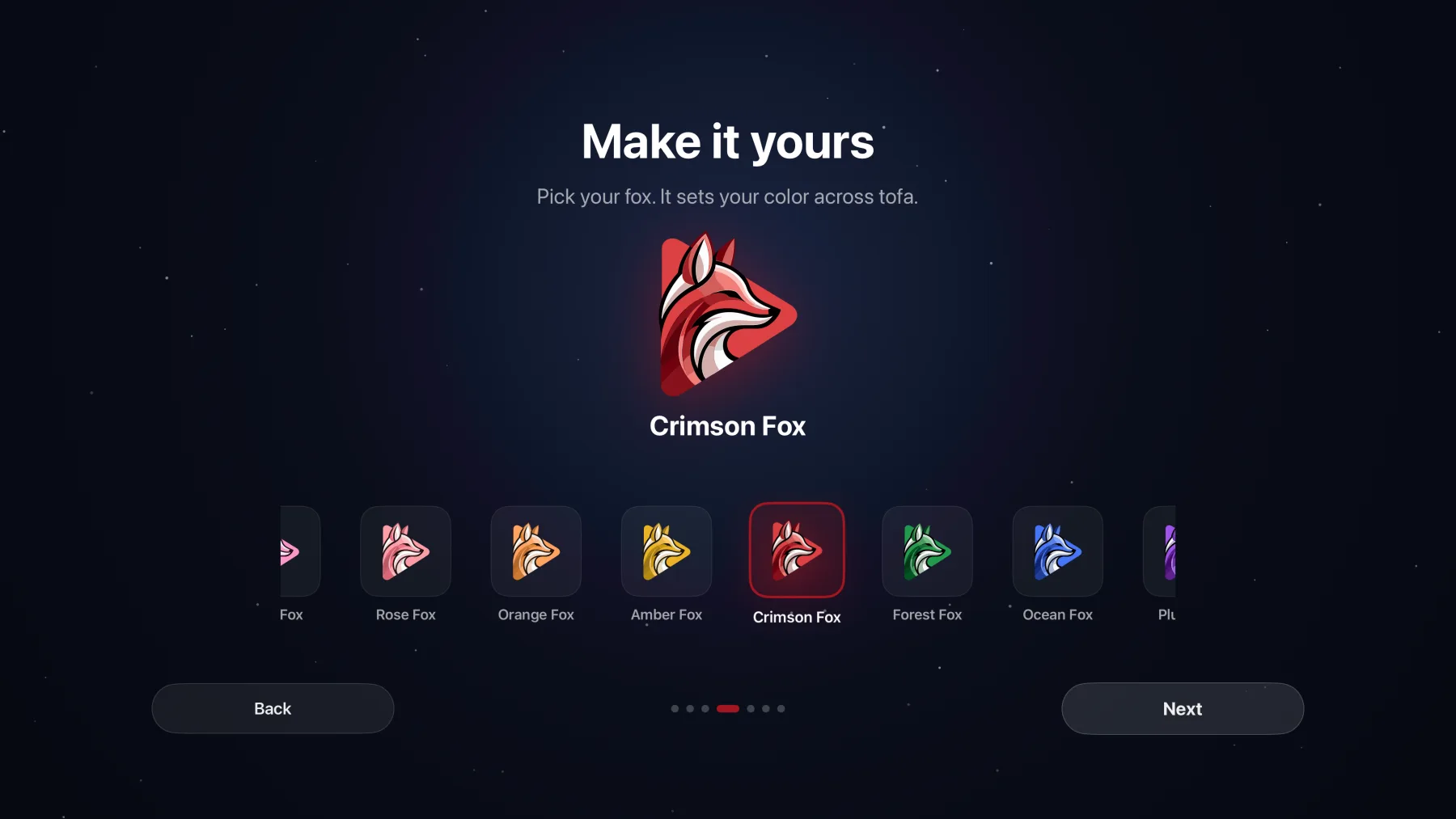
Make it yours
Choose your fox, or stay classic tofa.
Pick a fox when you set up your profile. It sets your accent color across every tofa app, on every screen.
Bring your library to tofa.
Install the server
One self-contained download for Linux, Windows, or macOS, a Docker image, or one click in the Unraid app store. Embedded database and bundled transcoder, nothing else to set up.
Point it at your library
tofa indexes your existing folders where they sit. Nothing moves, nothing gets renamed.
Bring your history across
The import wizard carries your watch history over and keeps syncing until you're done moving. Nothing starts over from scratch.
Why we built tofa.
Independent, not venture-backed
tofa has no outside investors, so there's no pressure to squeeze more out of you. Remote streaming stays included, and the people who run the servers set the direction.
Private by default
No ads, no trackers, nothing sold. Data-sharing features are opt-in, off until you turn them on. Your library stays on your hardware, and the cloud never stores it.
Built fresh
tofa is written in Rust from the ground up. It stays fast and light, and runs well even on modest hardware.
Yours to keep
Your files stay where they are, in your own folders, and nothing locks you in. If tofa ever stops being right for you, you walk away with everything.
One account. Every screen.
Questions
Can I bring my watch history?
Yes. The import wizard brings your watch history across from Plex or your current server and keeps it in sync while you switch, so you can run both servers at the same time. You pick up right where you left off.
Can I keep my existing library?
Yes. Point tofa at your current media folders and it reads them where they sit. Your naming and folder structure stay untouched.
Will I know if my server goes down?
Yes. You can get an email when your server goes offline and when it comes back. Set how long to wait before an alert, and choose quiet hours.
Is remote streaming free?
Yes. Streaming to your own devices from anywhere is included, with no per device fees, at full quality on every tier. Direct connections run at full speed: open port 33333 on your router, or let UPnP handle it. If a direct connection isn't possible we relay the stream instead, capped at 2 Mbps and one stream at a time on free, or 4 Mbps and three streams for supporters.
Do I have to forward ports for remote streaming?
No. tofa can open a port automatically if your router supports UPnP. You can also forward port 33333 yourself. If a direct connection isn't possible, tofa can relay the stream.
Does everyone need a subscription?
No. One Supporter purchase covers the personal servers you own and the household and family members you invite to watch on them, including offline downloads and automatic intro and credits skipping. Viewers don't need to pay. Their access doesn't upgrade other servers they use or own, or let them submit feature requests and vote on the roadmap through your purchase.
Will the price change on me later?
The beta is free with Supporter features unlocked. Founding purchases will be optional when they open, and buying won't end the free beta for anyone. We'll give notice before paid feature restrictions begin. Hosting, streaming, sharing, hardware acceleration, and FillView stay free. Lifetime keeps the Supporter features and allowances listed when you buy for as long as we operate the service.
Own your library.
Request an account invite. We'll email you when you can join.
Accounts are currently by invite. We'll email you when your spot opens. We never share your address.