 tofa
tofaTwo weeks into the beta
Profiles are on every app, Discover has nearly 30 new lists, and playback took a big step forward on Apple TV.
It has been two weeks since we opened the beta up. Hundreds of you have signed up, and new tofa servers come online every day.
This is the first of our beta updates. We meant to write one every week, then kept fixing things instead, so this one covers both weeks. These are the five changes that made the biggest difference, with more than 60 smaller fixes and improvements alongside them.
Profiles are here, on every app
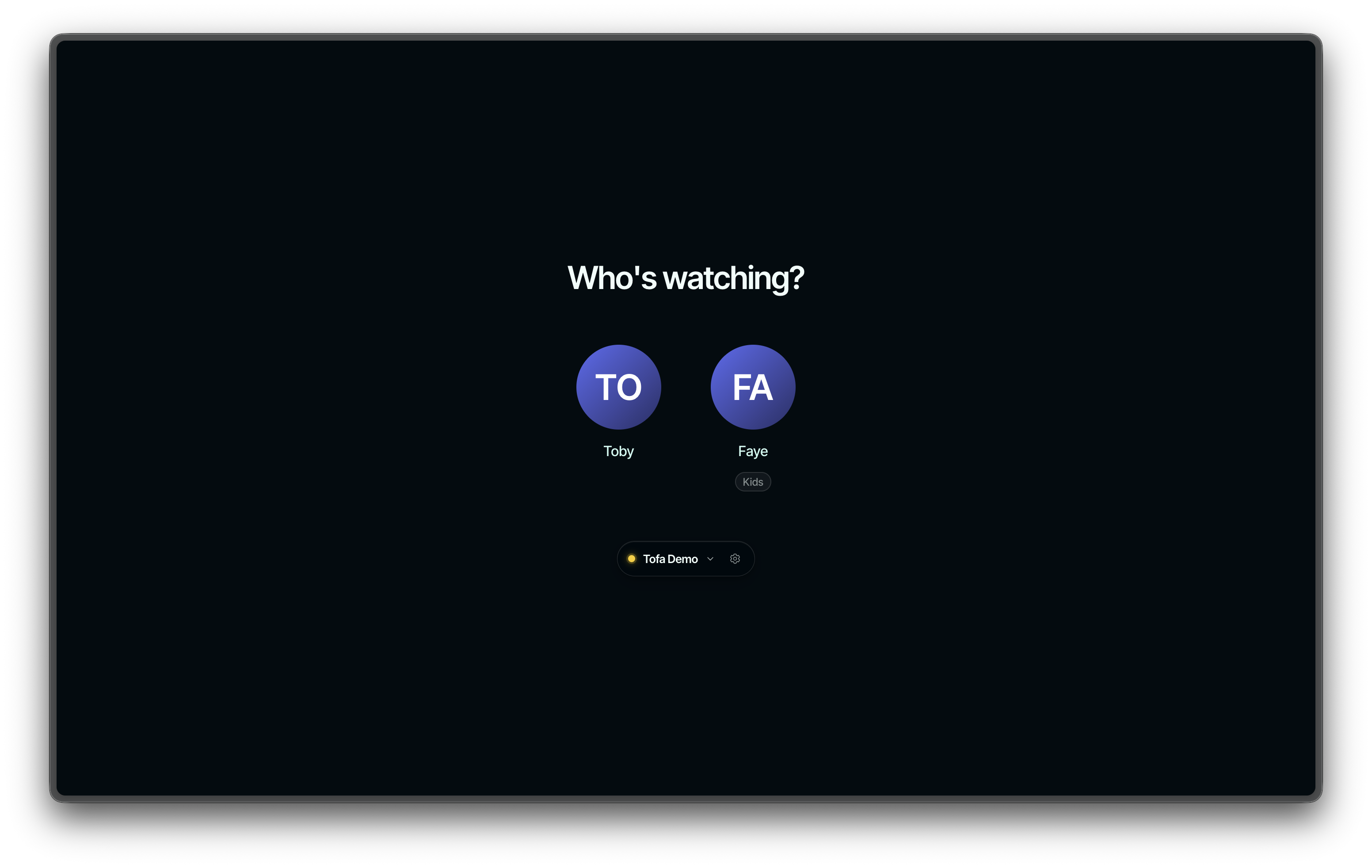
Household profiles have rolled out everywhere: the web, Apple TV, iPhone and iPad, and Android TV. Choose who is watching when the app opens, protect a profile with a PIN, set parental controls, and use a simpler kids mode. Each profile picks its own fox and color, and your avatar now looks the same on every screen.
This is the first version of profiles. We'll keep improving them as more of you use them and tell us what gets in the way.
Discover has nearly 30 new lists
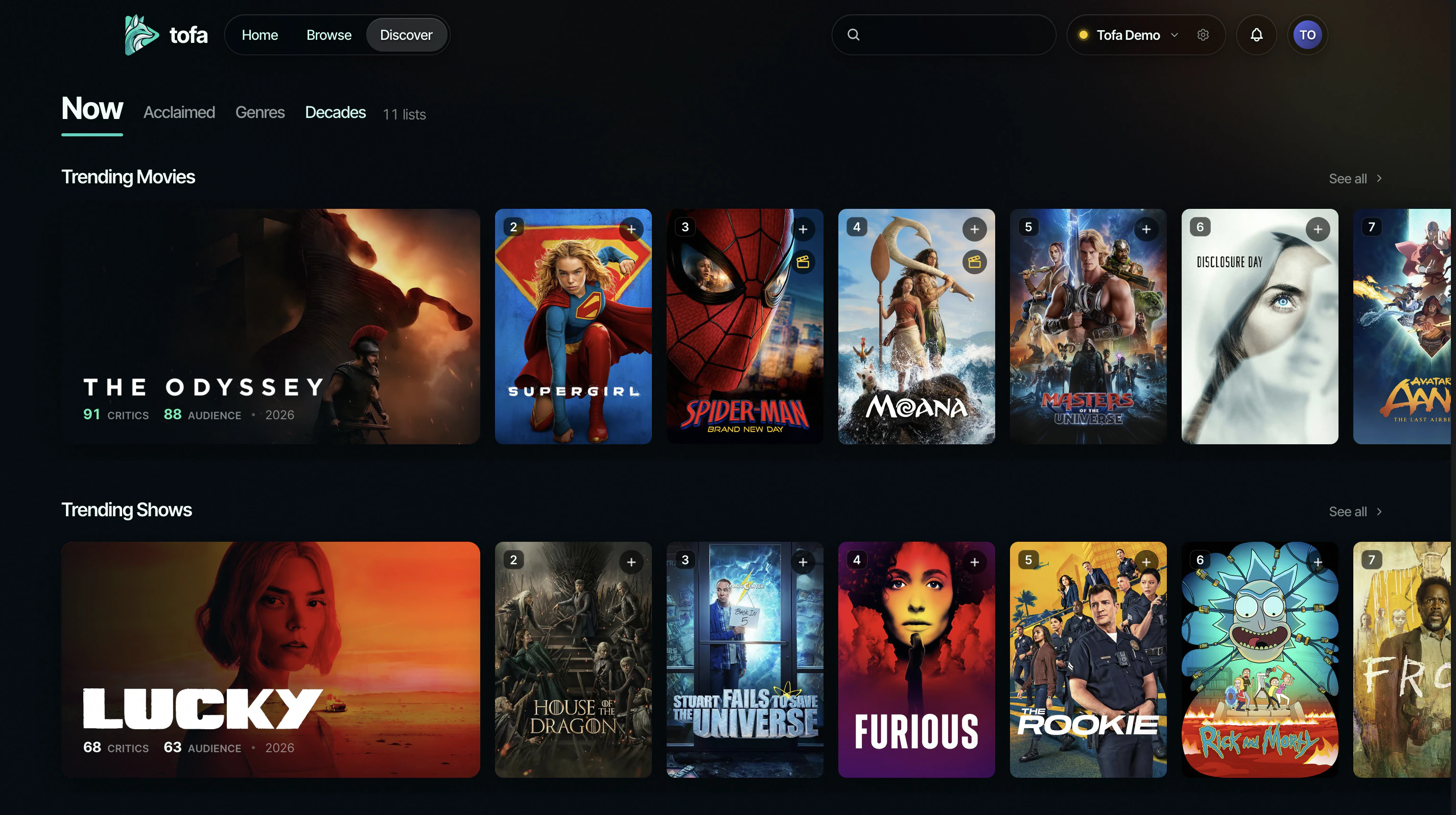
Discover is a different page. A spotlight you move through at your own pace sits above full rows, and the rows arrive in readable groups instead of a wall. Close to thirty lists are new: essential films and series, new and noteworthy, decade shelves reaching back past the 1980s, documentaries, westerns, anime, kids, stand-up, and more.
Every shelf now opens into the whole catalog behind it. Sort it or narrow it by decade and you are browsing everything, page after page, not the forty titles the row happened to hold. Trending follows what is popular right now rather than lifetime fame, and In Cinemas sticks to a real theatrical window.
The new Discover is live on the web today and arrives on Apple TV with the app update rolling out now.
One ratings pair on every screen
Scores used to be a patchwork that changed from app to app. Every movie and show now carries one Critics and Audience pair, and it reads the same on every screen.
The scores also keep up instead of going stale. They refresh on their own, more often for newer titles, so a show that finds its audience after release no longer sits on its opening number.
The Apple TV app: Dolby Vision profile 7 and lossless audio
Two long-standing asks land in the newest Apple TV app. UHD disc remuxes that carry Dolby Vision profile 7 used to fall back to their HDR10 layer. The server now converts them as it streams, with the file on disk untouched, so they play in real Dolby Vision.
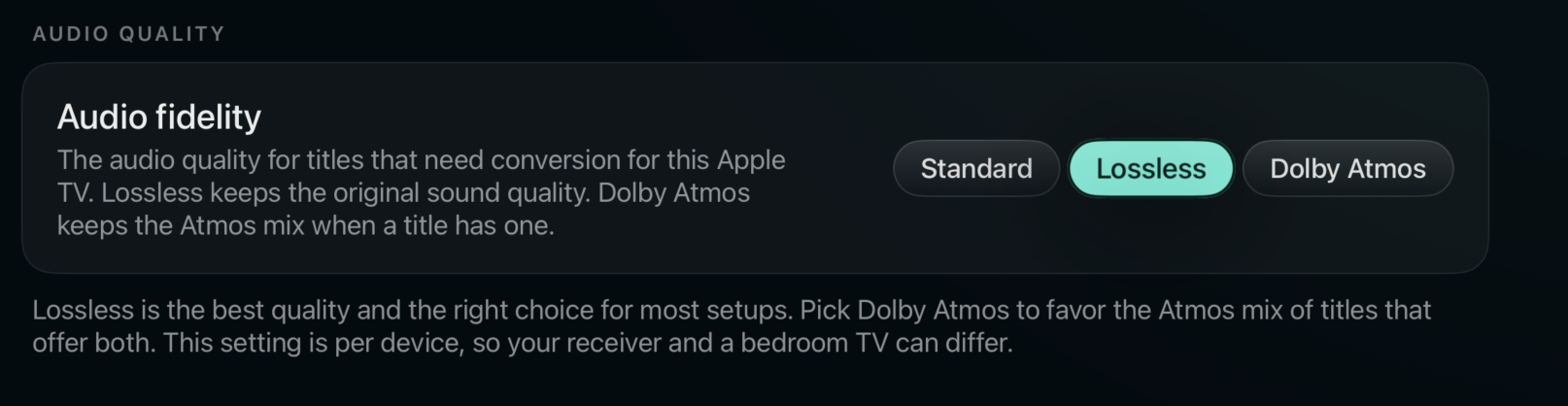
Audio can finally leave stereo behind too. With the new Audio fidelity setting, your Apple TV can receive lossless multichannel audio and Dolby Atmos from files that carry them, and you choose which wins when a file offers both.
Zoom to Fill learns where the picture really is
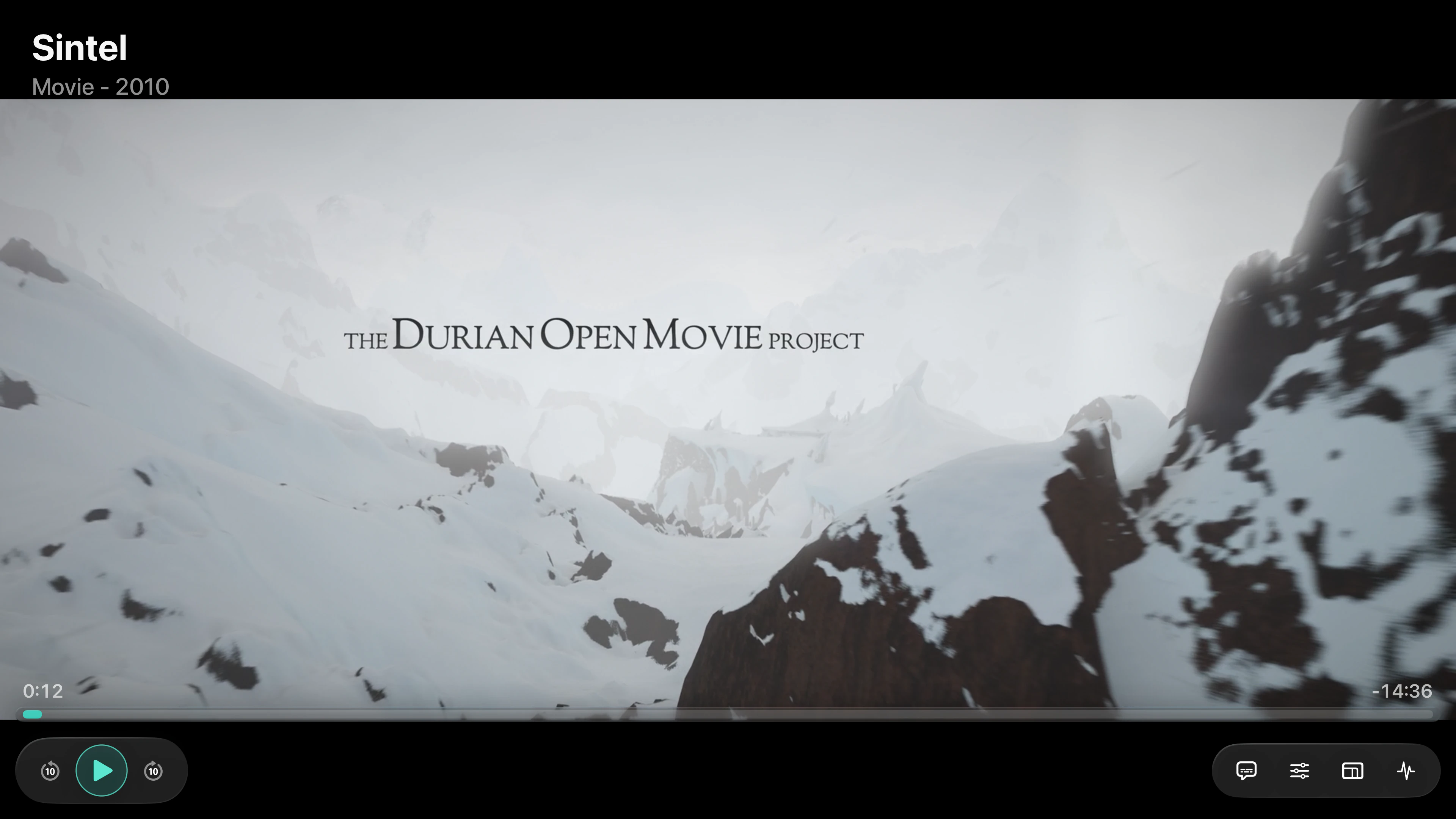
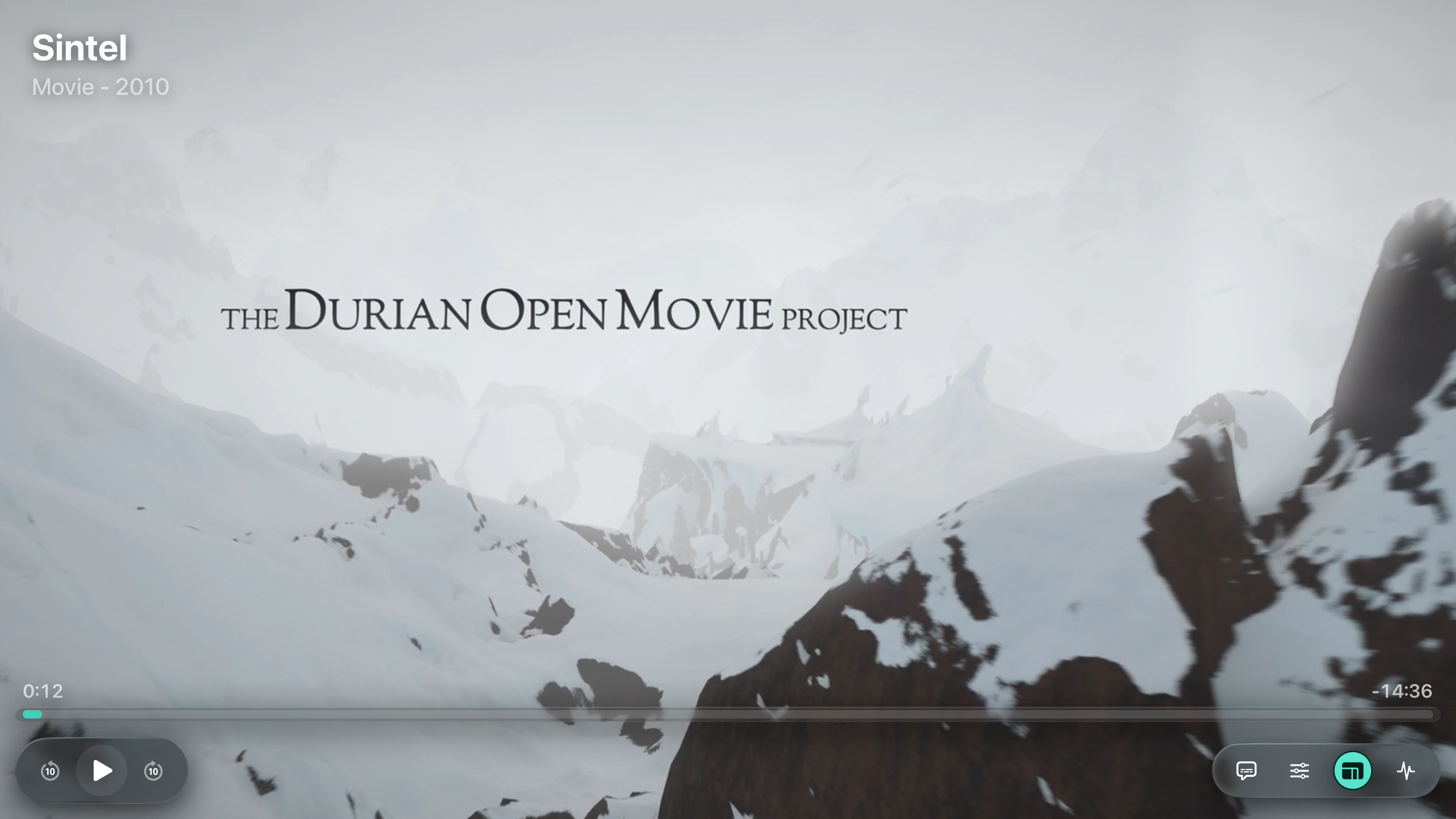
Many films carry their black bars inside the file itself, so the zoom control used to hide on exactly the titles that needed it most. Your server now measures where the picture really is in each file, always behind playback, and the Apple TV app uses that to zoom correctly. Android TV follows in its next update.
Existing libraries are measured once after updating, and the Libraries page shows progress. It is on by default.
Help decide what we build next
The feature voting board is open to everyone in the beta. You have 10 points to spread across the requests you care about, and you can add a request if it is not already there.
We look at the board when deciding what to work on next. If there is something you want to see in tofa, this is the best place to tell us.
Vote on the feature boardMost of these changes started with your reports. Keep them coming, including the small ones.
We'll be back with the next one.
The tofa team